Relevance AI review

Relevance AI
The strongest agent builder for sales and growth teams who want pre-made roles delivering value in week one — not the right choice for engineering teams or ops-heavy workflows.
OVERALL SCORE
7.6
out of 10
External link · opens in new tab
TL;DR
Relevance AI is the no-code agent platform that bet hard on the “AI workforce” framing — and it works for the audience it targets: sales, growth, and revenue ops teams that want named agent-employees, not abstract workflows. Outside that niche, it’s competent but not differentiated. For sales-heavy use cases, it’s a strong week-one choice; for ops-heavy or engineering-heavy work, Lindy and n8n are better fits.
Who it’s for
Relevance fits sales, marketing, and customer success teams whose first instinct when picturing AI is “what if I had a virtual SDR” or “what if I had a virtual researcher.” The product’s metaphor is built around that intuition: agents have names, roles, goals, and the UI talks about hiring and managing them.
This framing is more than marketing — it shapes the product. Templates are sales-shaped. Documentation is sales-shaped. The community is sales-shaped. If you’re an ops team automating ticket triage or a DevRel team automating release notes, the platform still works but you’ll feel like you’re using it against the grain.
At a glance
- Pricing: From $19/month (Starter) to $599/month (Business) plus Enterprise
- Billing: Monthly or annual; credits-based usage tracking on top of subscription
- Free trial: 14 days
- Integrations: ~80 native plus public API for custom connectors
- Models: GPT-4 class and Claude class, selectable per agent
Features deep-dive
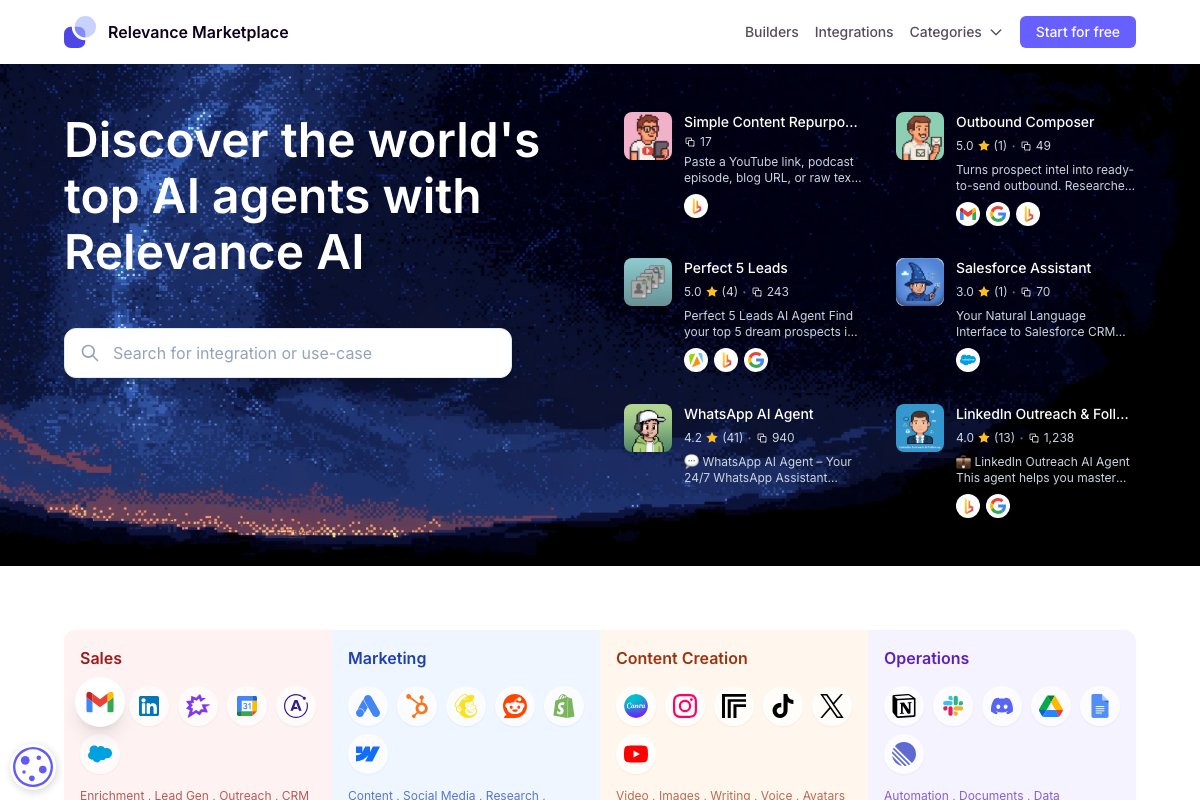
Agent templates. The library is heavily weighted toward revenue use cases: outbound prospect research, inbound qualifier, meeting prep, deal coach, CRM enrichment, content repurposing. Each template ships with prompts, tool selections, and a default tone. Customization is straightforward.
Workforce view. All agents appear in a unified dashboard with their current tasks, recent activity, and success metrics. The UX is closer to “managing a team” than “managing workflows” — a deliberate design choice that resonates with non-technical operators.
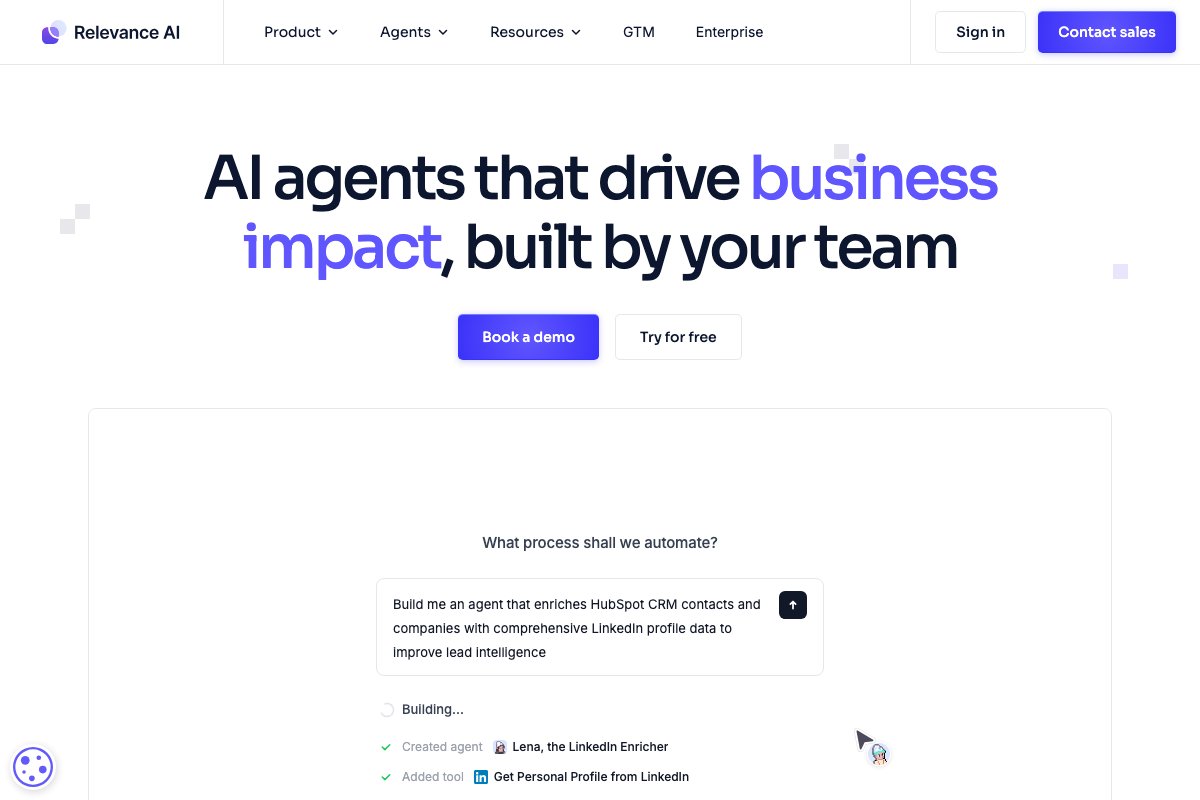
Tool chains. Beneath the workforce framing, agents are built on Relevance’s underlying “chain” engine: a sequence of LLM calls, tool invocations, and data transformations. Power users can compose custom chains and expose them as new agent capabilities.
API access. Every agent can be triggered via the public API, which is what makes Relevance usable as a backend component in larger applications — not just a standalone tool.
Pricing analysis
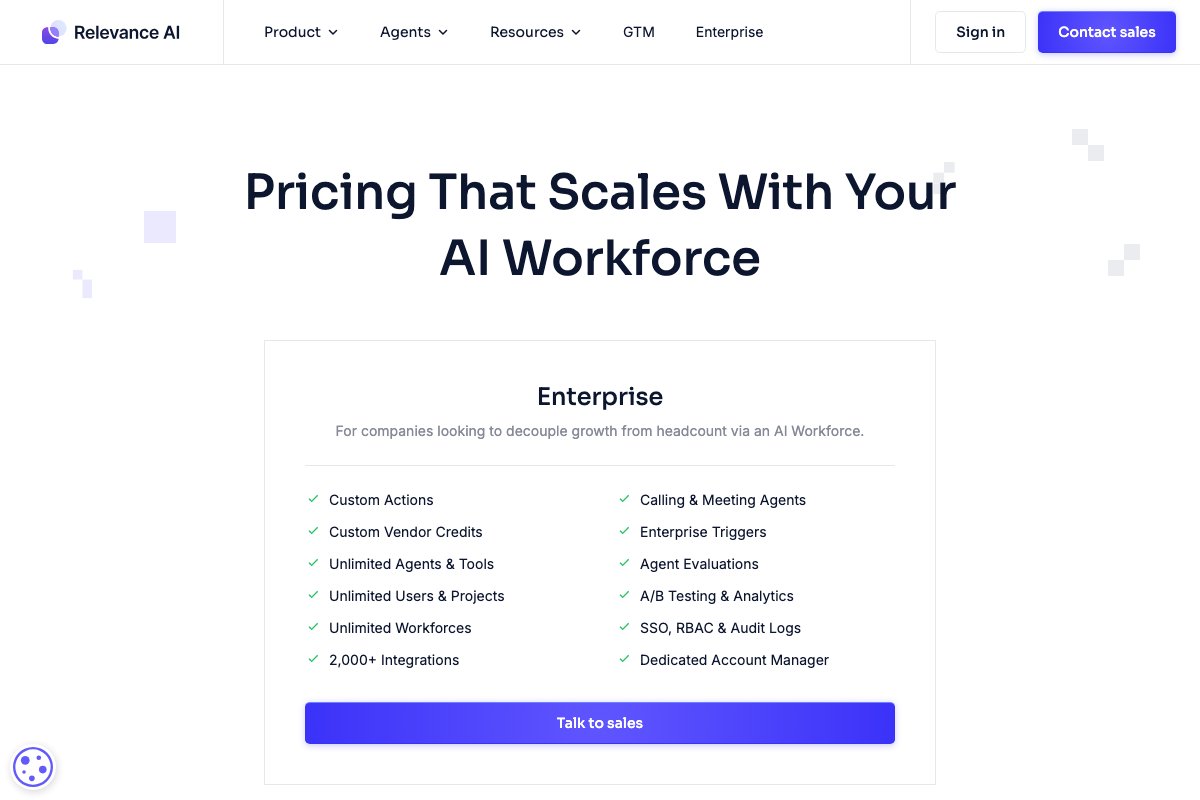
The Starter tier at $19/month is genuinely useful for early experimentation: 1,000 credits/month (roughly 50-100 agent runs depending on complexity). The Pro tier at $199/month opens up enough volume for a real sales team to use the platform daily.
The credit system can surprise teams unfamiliar with how token-heavy multi-step agents become. A single complex outbound research task — visiting LinkedIn, summarizing, drafting an email — can consume 50-100 credits. Plan for 5-10x your initial estimate.
Compare to Lindy: Relevance is slightly more expensive per task but ships more refined sales templates. Compare to n8n self-hosted: Relevance is 5-10x more expensive at scale but saves all the ops work.
Strengths
The mental model lands. Non-technical stakeholders engage with Relevance’s “AI employee” framing in a way they don’t engage with “automation workflows.” This unlocks adoption — the platform gets used because business users feel comfortable with it.
The sales templates are well-engineered. Best-of-breed cold email research, qualification scoring, meeting prep briefs — these are not generic; they reflect real revenue team practice. For a first-time agent deployment in a sales context, the templates compress the ramp-up significantly.
Weaknesses
The sales-first focus is visible everywhere. Operations and engineering use cases work but feel like afterthoughts. Documentation around the underlying chain engine is thin compared to documentation around the prepackaged workforce.
Observability is functional but shallow. You can see each agent’s runs, success rates, and recent failures. What you can’t easily do is full-trace replay with prompt inspection at each step — the kind of debugging needed when an agent starts behaving unexpectedly in production.
Verdict
For sales, marketing, and customer-facing teams, Relevance AI is one of the strongest first choices on the market: the framing fits the audience, the templates compress time-to-value, and the API access provides growth paths. For ops, engineering, or general-purpose automation, look at Lindy or n8n first. See FAQ below.
FAQ
-
How does Relevance compare to Lindy? +
Both are visual builders for B2B. Lindy is more general-purpose and integrates deeper with HubSpot/Outlook. Relevance leans harder into the 'AI workforce' framing and ships better sales-specific templates. Sales-led orgs often prefer Relevance; ops-led orgs often prefer Lindy.
-
What does the 'AI workforce' actually buy me? +
It's a framing more than a technical feature: agents are presented as named roles ('Bosh the SDR') with personalities and goals. The benefit is that non-technical stakeholders engage with the agents more naturally. Behind the scenes, it's prompt configuration.
-
Can Relevance agents work together? +
Yes via the 'team' feature: agents can delegate sub-tasks to each other. The delegation works for 2-3 agents reliably; beyond that, orchestration becomes harder to reason about.
-
Is Relevance suitable for outbound sales automation? +
Yes — outbound is one of their strongest categories. Pre-built agents handle prospect research, email drafting, calendar booking, and CRM updates. Just remember outbound at scale has legal constraints (CAN-SPAM, GDPR) the platform doesn't enforce for you.
- Agent Frank vs Relevance AI (2026): Dedicated AI SDR or AI workforce platform?Agent Frank for teams buying outbound email SDR specifically — focused, cheap, autonomous. Relevance AI if you want one AI workforce platform covering sales, research, and operations simultaneously.
- n8n vs Relevance AI: Open-source workflow engine or revenue-focused agent workforce?n8n if you have engineering capacity and want full control over a self-hosted automation stack; Relevance if you're a sales or growth team that wants AI employees out of the box.

Stéphane Viaud-Murat
CEO, mi4.fr