Lindy review

Lindy
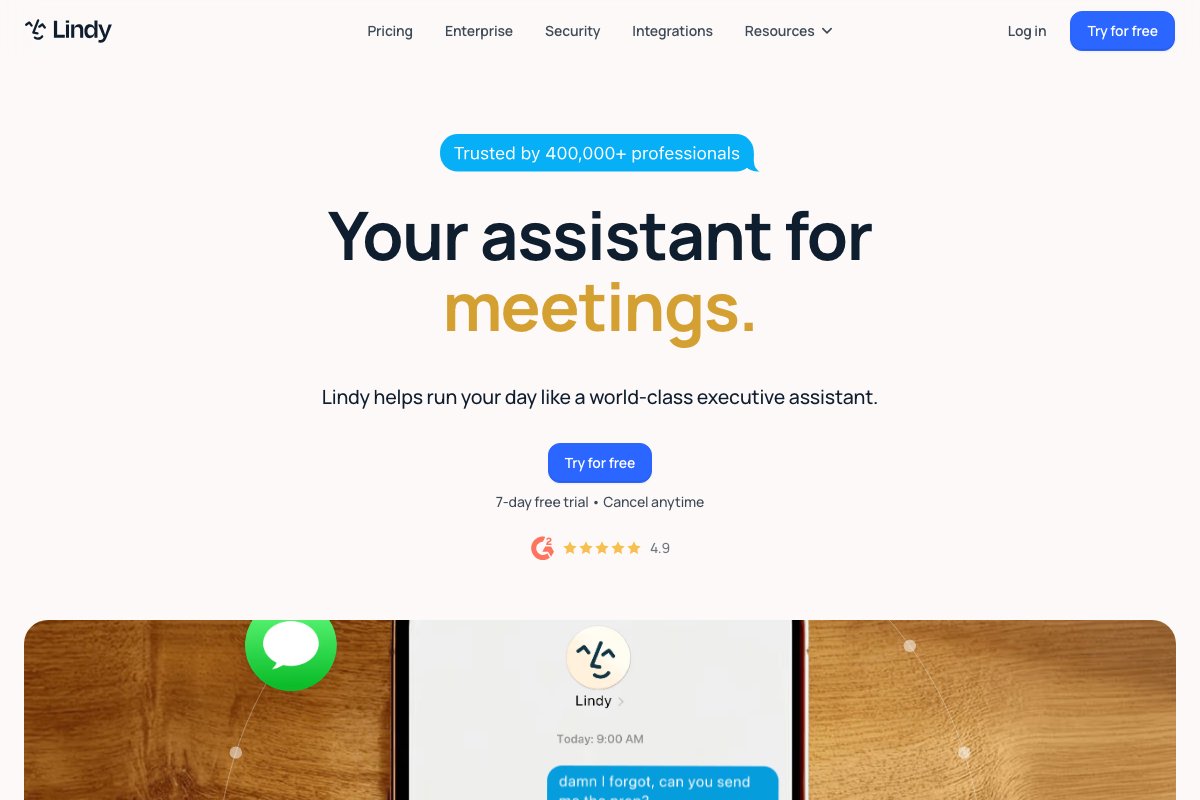
The strongest visual agent builder for B2B teams already living inside HubSpot or Outlook — buy it for speed-to-first-agent, not for advanced orchestration.
OVERALL SCORE
7.8
out of 10
External link · opens in new tab
TL;DR
Lindy is the most operator-friendly AI agent platform in 2026. If your team uses HubSpot, Outlook, or Slack and you need agents shipped this quarter, this is the fastest path. The visual builder removes the technical barrier; the trade-off is depth — advanced orchestration patterns still want a code-first framework like CrewAI or LangChain.
Who it’s for
Lindy fits SMB and mid-market B2B teams whose biggest constraint is engineering bandwidth, not model intelligence. Marketing ops, RevOps, customer success, and sales enablement are the natural homes. The platform pays off most when 60%+ of your stack already has a Lindy native connector — otherwise you spend time wrapping custom APIs.
If you’re a software shop with senior engineers comfortable in Python or TypeScript, Lindy will feel constraining within a quarter. If you’re an agency configuring agents for clients, Lindy’s white-label and template features are best-in-class.
At a glance
- Pricing: From $49/month (Starter, 400 tasks) to $499/month (Business, 50,000 tasks) plus an Enterprise tier
- Billing: Monthly or annual (15% discount on annual)
- Free trial: 7 days on Pro tier
- Integrations: 100+ native including HubSpot, Salesforce, Gmail, Outlook, Slack, Notion, Airtable, Calendly, Zoom, Linear
- Models: GPT-4 class, Claude class — selectable per agent, not per step
Features deep-dive
Visual builder. The builder uses a node-graph metaphor. Each agent has triggers (webhook, schedule, inbox watch, calendar event), an LLM brain configured with a system prompt and tool list, and outputs that feed downstream nodes. The graph is readable at a glance, which makes handoffs to non-technical stakeholders easy.
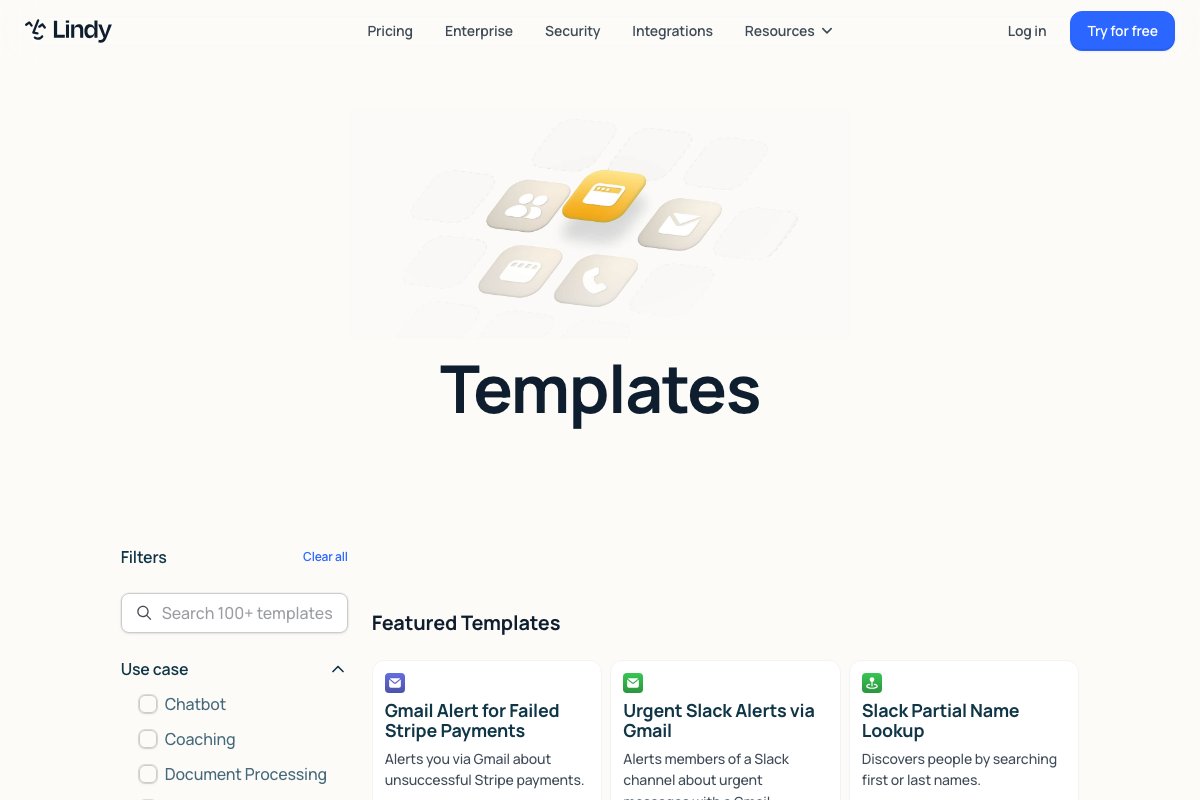
Tool calls. Each connector exposes its API as a “tool” the agent can call. Tools are typed, so the agent gets clear schemas. Custom HTTP tools (for non-native APIs) are configurable with a few clicks but lack the same level of typing.
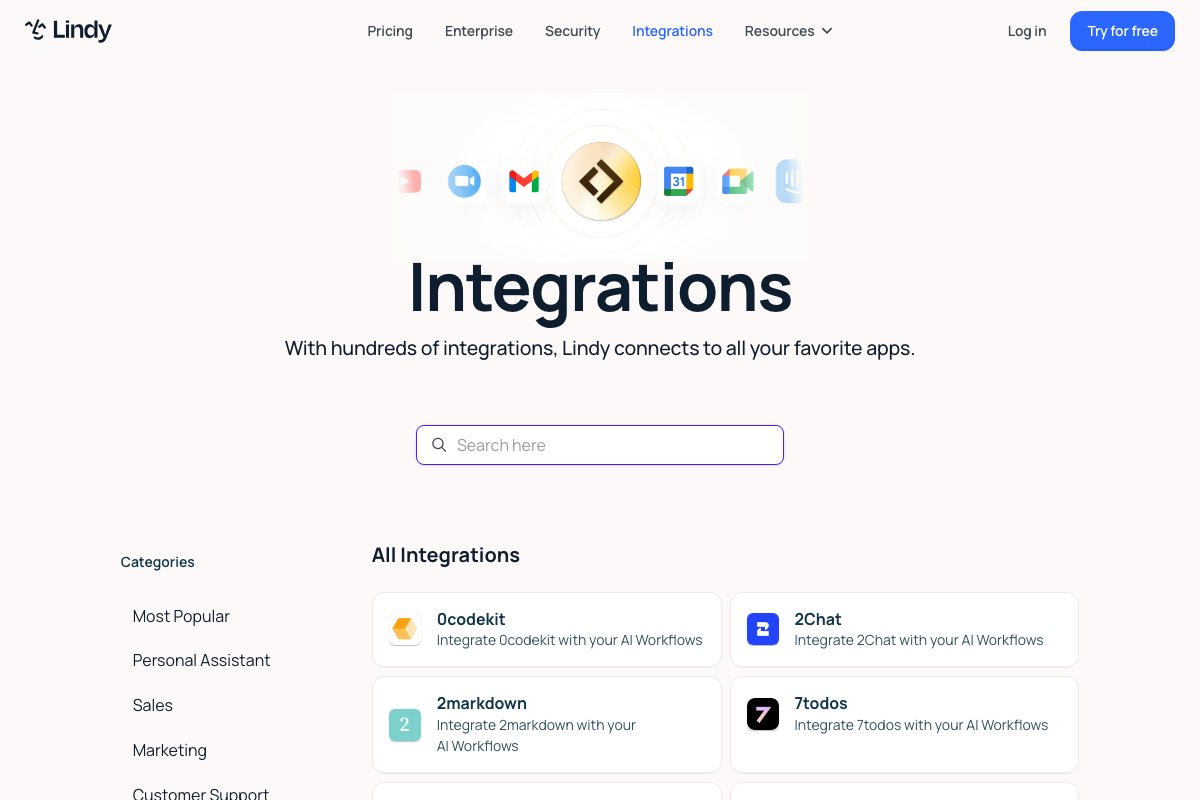
Knowledge bases. Upload PDFs, docs, or connect a Notion workspace; Lindy indexes the content and the agent can retrieve from it during execution. The retrieval is OK but not great — for complex RAG use cases, a dedicated vector DB plus a custom harness still wins.
Handoffs. Built-in human handoff via email or Slack with structured context. This is the feature that makes Lindy production-viable: agents fail gracefully instead of silently.
Pricing analysis
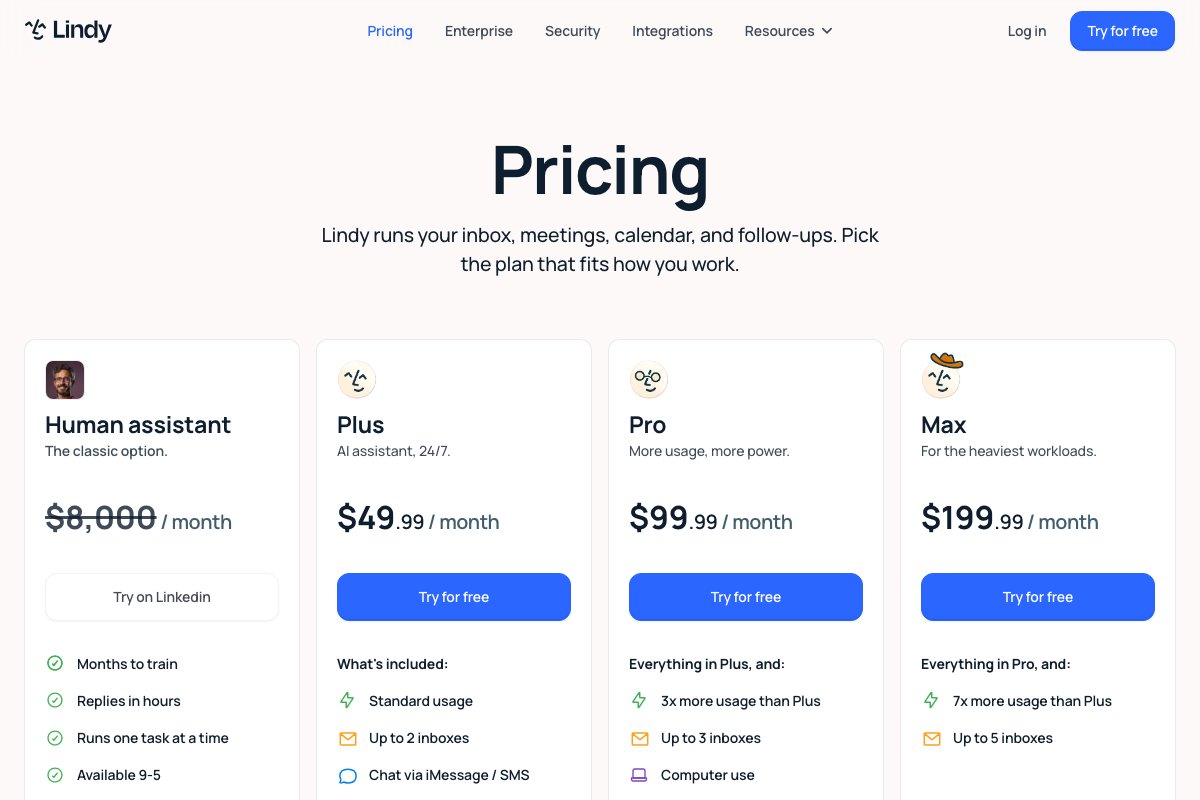
At $49/month Starter, the per-task cost is roughly $0.12. At $199/month Pro, it drops to $0.02. At $499/month Business, it drops to $0.01. For comparison, equivalent custom-built agents on OpenAI’s API typically cost $0.05-0.30/task depending on model and tool complexity — so Lindy’s at-scale pricing is competitive once you cross 5,000 tasks/month.
Alternatives to weigh: Make.com with AI modules ($16/month base) for simpler workflows; n8n self-hosted (free) for technical teams; CrewAI (free framework, you pay for hosting and models) for multi-agent setups.
Strengths
The product knows its audience. Templates aren’t generic — they’re shipped pre-wired for common B2B use cases like inbound lead qualification, meeting follow-up, support triage, and event-driven CRM updates. Each template comes with documentation explaining the trade-offs of the prompt design and the tool choices.
The HubSpot integration is the deepest of any agent platform I’ve evaluated. It handles two-way sync, custom properties, association objects, and pipeline transitions cleanly. For an existing HubSpot shop, this single integration justifies the platform choice.
Weaknesses
Two structural limits show up at scale. First, the visual graph stops being readable past ~15 nodes; debugging a 30-node graph is harder than reading 200 lines of code. Second, model selection happens at the agent level, not the step level — so if a sub-task would do fine on Haiku while the main reasoning needs Sonnet, you pay for Sonnet across the board.
The documentation is good for happy-path use cases but thin on operational concerns: timeout configuration, retry policies, observability, audit trails. These exist in the product but are buried in the UI.
Verdict
Lindy is the right first choice for B2B teams shipping their first 3-5 agents into production this year. The on-ramp is real, the integration depth is real, and the failure modes are mostly understood. Once you exceed ~20 agents or need fine-grained orchestration, expect to migrate parts of the stack to a code-first framework — but by then you’ll have shipped enough to justify the engineering investment. See FAQ below.
FAQ
-
Does Lindy work without writing code? +
Yes. The entire agent builder is visual: drag triggers, choose tools, write prompts in plain text. Code is only needed for custom integrations beyond the 100+ native connectors.
-
How does Lindy compare to Zapier with AI steps? +
Lindy is purpose-built for agents that reason and decide, not just route data. Zapier handles point-to-point automation better; Lindy handles autonomous tasks better. They overlap, but their sweet spots differ.
-
What's the real cost for a 5-person team? +
Plan on the $199/month Pro tier (10,000 tasks). Most B2B agent deployments consume 2,000-8,000 tasks/month depending on email volume. Heavy users go to Business tier ($499).
-
Can Lindy handle multi-agent setups? +
Yes via the Lindy-to-Lindy handoff feature, but the orchestration UI is less mature than CrewAI's. For 2-agent setups it works; beyond 3 agents it becomes hard to debug.
- Lindy vs CrewAI: Which AI agent platform fits your team?Lindy if you need ops or sales teams shipping agents this quarter; CrewAI if engineers need to compose multi-agent collaboration for complex workflows.
- Lindy vs n8n: Which automation platform for AI agents?Lindy if ops teams need to ship agents this quarter without engineering; n8n if engineers want a self-hosted workflow engine with AI as one node among many.

Stéphane Viaud-Murat
CEO, mi4.fr